Getting Started
This page takes you from “I just logged in” to “I have a tracking link that records clicks and conversions” — in about five minutes. No code required.
Mental model first. A tracking link is just a URL you put in your ad instead of the real destination. When someone clicks it, Synaptyx records the click and then instantly redirects them to where they were going. The visitor barely notices the extra hop (it happens at the edge in a few milliseconds), but you now own the data.
Before you start
You need three things:
- A Synaptyx account — sign up at app.synaptyx.pro/register .
- An offer — the product or page you want to send traffic to (its destination URL).
- A traffic source — where your visitors come from (a Facebook ad, a TikTok video, an email, etc.).
The 5-minute quickstart
Create your account & sign in
Register at app.synaptyx.pro/register with email + password (or Google), then you land on the Overview dashboard. Your account is private and secure by default.
Run Quick Setup
The fastest path is Quick Setup . It creates a minimal campaign for you: a landing page (or direct offer) plus a ready-to-use tracking link, in one step.
You’ll choose:
- a tracking domain (the shared platform domain works out of the box, or bring your own),
- a destination (your offer or landing page URL).
Copy your tracking link
Quick Setup hands you a link shaped like:
https://trk.kmsboxpm.cc/t/<campaignId>That uses the shared default host. /t/ is the tracking path and <campaignId>
identifies your campaign. This is the URL you paste into your ad — not the real
offer URL. Prefer your own branded domain? See
Custom Tracking Domains.
Always advertise the /t/ tracking link, never the raw offer URL. If you send
traffic straight to the offer, Synaptyx never sees the click and can’t track or
attribute anything.
Send a test click
Open the tracking link in your browser. Two things happen:
- Synaptyx records a click (with your country, device, browser, referrer…).
- You’re instantly redirected (HTTP 302) to the destination.
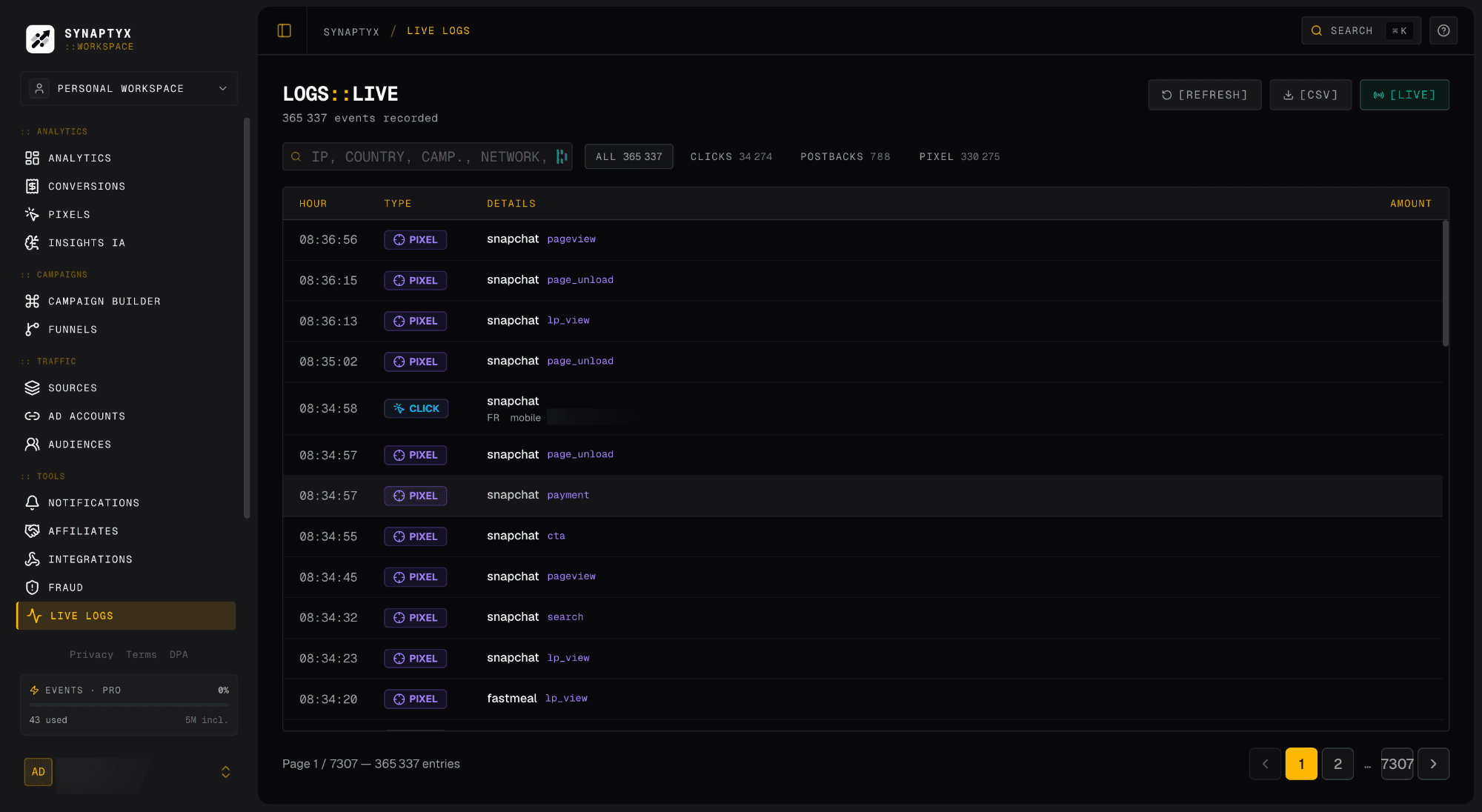
Now open Live Logs — you’ll see your click stream in over a real-time feed within a second or two.
Record a conversion
When a visitor buys or signs up, that’s a conversion. Synaptyx learns about conversions in one of two ways depending on your setup:
CPA / affiliate offer (postback)
For affiliate/CPA offers, the network fires a server-to-server postback to your conversion URL when a lead/sale is approved. You give the network a URL like:
https://trk.kmsboxpm.cc/api/conversion?click_id={clickid}&payout={payout}The network swaps in the real values. (Use your own domain here if you’ve added one.) See Postbacks.
See your results
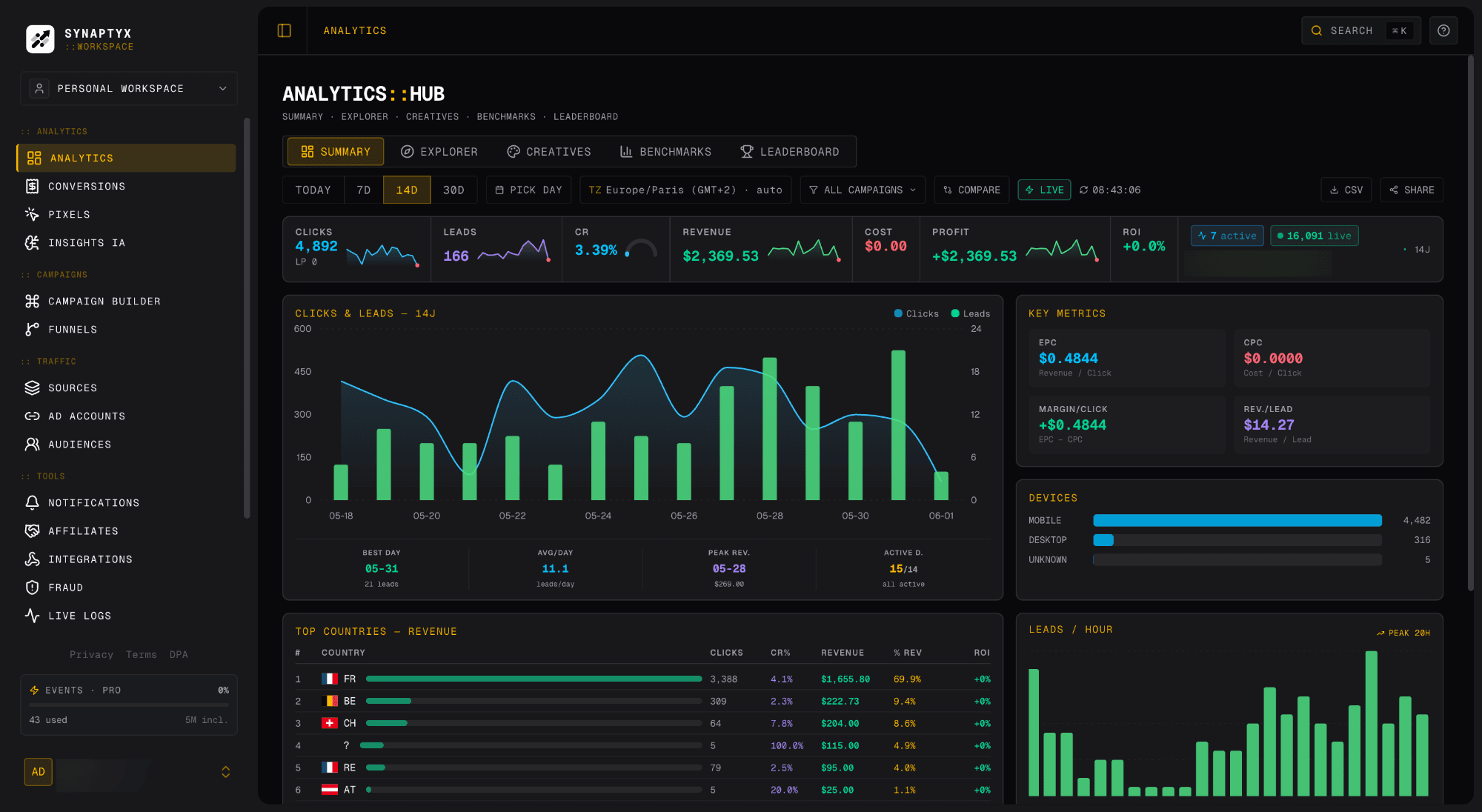
Head to Analytics . You now have the full loop: clicks → conversions → revenue → ROI, sliceable by country, device, landing page, and sub-ID.
What just happened
The visitor got a near-instant redirect; you got a click, a conversion, and the link between them.